
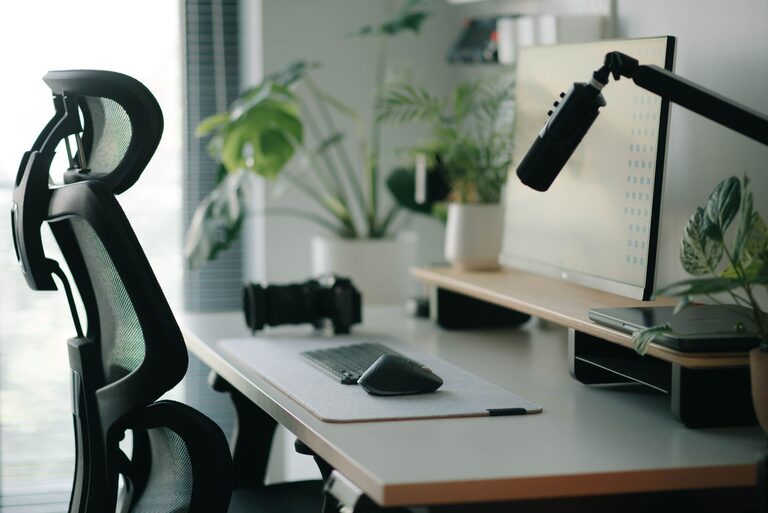
Creating an environment that promotes focus and comfort is essential whether you work from home or in a traditional office setting. An effective desk setup can improve your productivity, reduce physical strain, and make your workday much more enjoyable. In this post, we’ll explore practical tips to help you design an ideal workspace tailored to your needs.
Why Your Desk Setup Matters
A well-organized and ergonomic desk setup helps minimize distractions and physical discomfort. When your computer, chair, and accessories are arranged correctly, you can maintain better posture, reduce fatigue, and concentrate more easily. Investing time in setting up your workspace right can pay off with enhanced focus and well-being.
Choosing the Right Desk and Chair
Desk Height and Size
Aim for a desk height that allows your elbows to rest comfortably at about a 90-degree angle when typing or writing. Standard desk heights are usually between 28 and 30 inches, but adjustable desks are increasingly popular as they allow customization to your body’s needs.
Make sure your desk surface is spacious enough to hold your essential items — such as your monitor, keyboard, mouse, notebook, and any other tools — without feeling cluttered. Ample space helps you stay organized and focused.
Ergonomic Chair
Your chair should support your lower back and encourage good posture. Look for one with adjustable height and lumbar support. Sitting with your feet flat on the floor and knees at roughly a 90-degree angle reduces strain. If your feet don’t reach the floor, consider using a footrest.
Monitor Placement for Reduced Eye Strain
Position your monitor directly in front of you, about an arm’s length away. The top of the screen should be at or just below eye level to prevent neck strain. If you use two monitors, align them as close together as possible to avoid excessive head turning.
Using a monitor stand or adjustable arm can help achieve the correct height and distance. Also, reduce glare by placing your screen perpendicular to windows or bright light sources.
Organizing Your Desk for Efficiency
Keep Essentials Within Reach
Organize your desk so frequently used items like pens, notebooks, and your phone are easily accessible. This reduces interruptions caused by searching for tools.
Declutter Regularly
A clean workspace supports a clear mind. Remove unnecessary items at the end of each day to start fresh the next morning.
Use Storage Solutions
Drawers, shelves, or desk organizers help contain clutter and keep your desk tidy. Labeling storage areas can speed up finding what you need.
Lighting for Comfort and Productivity
Proper lighting is key to reducing eye strain and maintaining alertness. Whenever possible, position your desk near a window to benefit from natural light. Supplement with adjustable desk lamps that provide focused light without harsh shadows.
Avoid overly bright overhead lights or harsh fluorescent bulbs that can cause headaches or fatigue. Warm, diffused lighting is often more comfortable for long periods.
Improving Comfort with Accessories
Keyboard and Mouse
Choose a keyboard and mouse that feel comfortable for your hands. Ergonomic designs can reduce wrist strain. Position them so your wrists are straight and at or below desk level.
Wrist Support
Consider wrist rests for your keyboard and mouse to keep your wrists in a neutral position, reducing the risk of repetitive strain injuries.
Footrest
If your feet don’t rest flat on the floor, use a footrest to maintain proper leg positioning and improve circulation.
Personalizing Your Space
Adding personal touches such as plants, photos, or artwork can make your workspace more inviting and reduce stress. However, keep decorations minimal to avoid clutter.
Plants not only brighten your desk but also improve air quality and have been shown to boost mood and concentration.
Taking Breaks and Moving Around
Even the best desk setup won’t replace the benefits of regular breaks. Stand up, stretch, or take a short walk every hour to increase blood flow and reduce muscle stiffness.
If possible, use a sit-stand desk to alternate between sitting and standing throughout the day.
—
Designing a focused and comfortable desk setup is a combination of proper ergonomics, thoughtful organization, and personal touches. By paying attention to your posture, lighting, and workspace layout, you can create an environment that supports your best work. Try implementing these tips one step at a time, and notice how your comfort and concentration improve.